 Topo
TopoYour day in the notch
A to-do list that switches to tomorrow at 7 PM, so you can plan your day the evening before. A timer and Pomodoro cycles, visible even when the notch is closed.
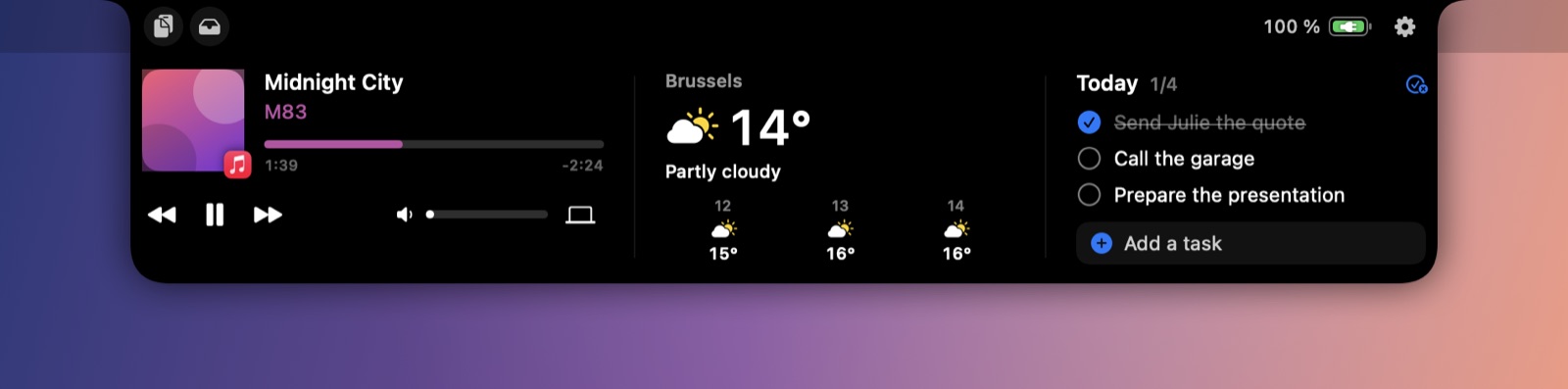
Music, today's tasks, timer, weather, clipboard: everything you need, tucked into your Mac's notch. Hover over it, and it's there.
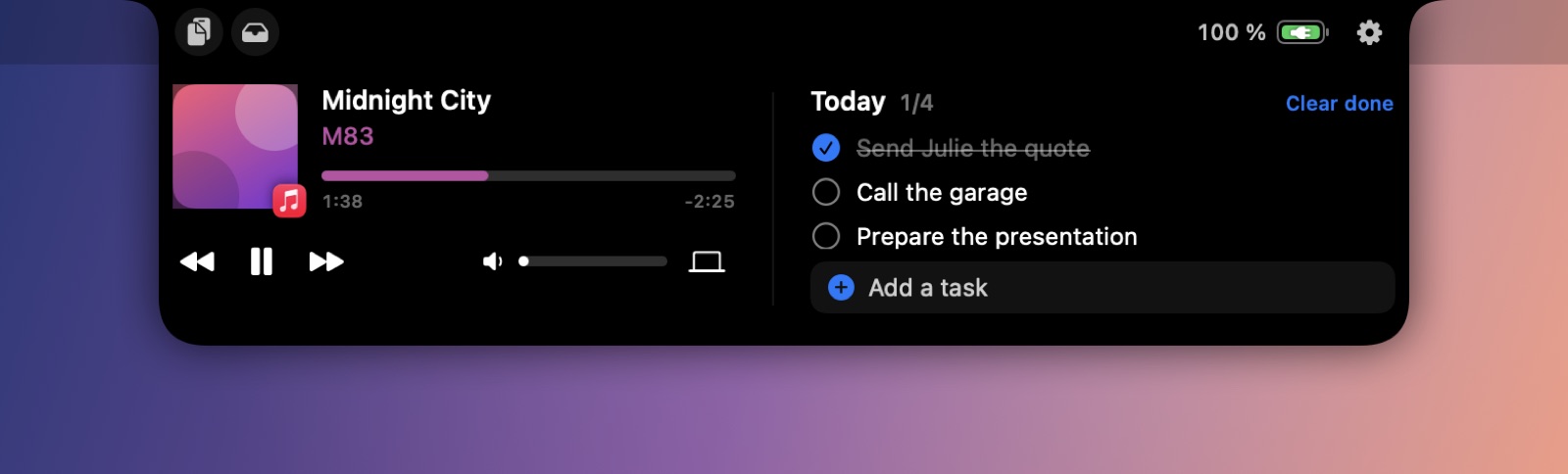
A to-do list that switches to tomorrow at 7 PM, so you can plan your day the evening before. A timer and Pomodoro cycles, visible even when the notch is closed.
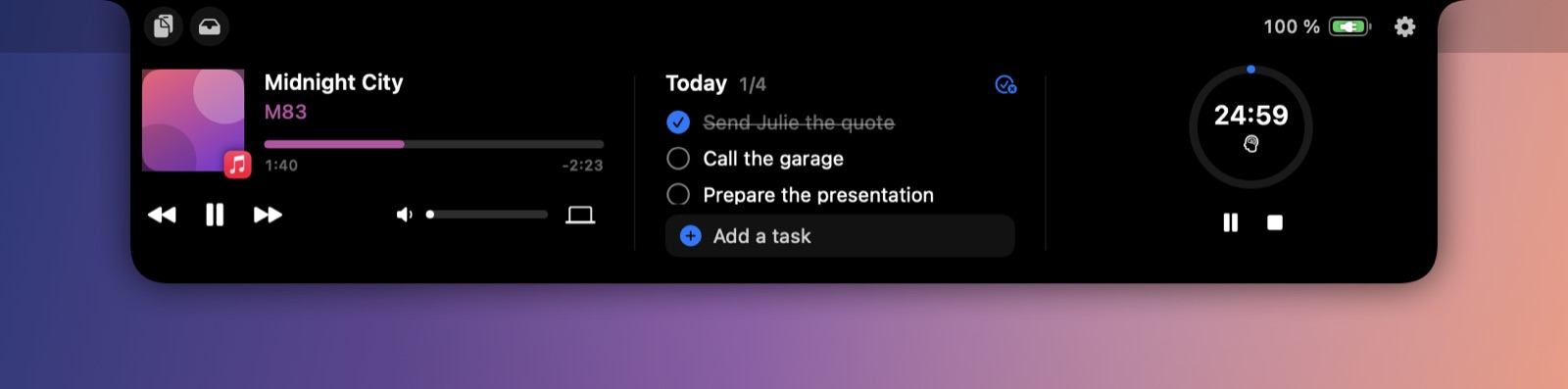
Weather, timer, tasks, calendar, shortcuts: put one or two widgets next to the player. Everything is adjustable, and the notch always looks like an Apple notch.
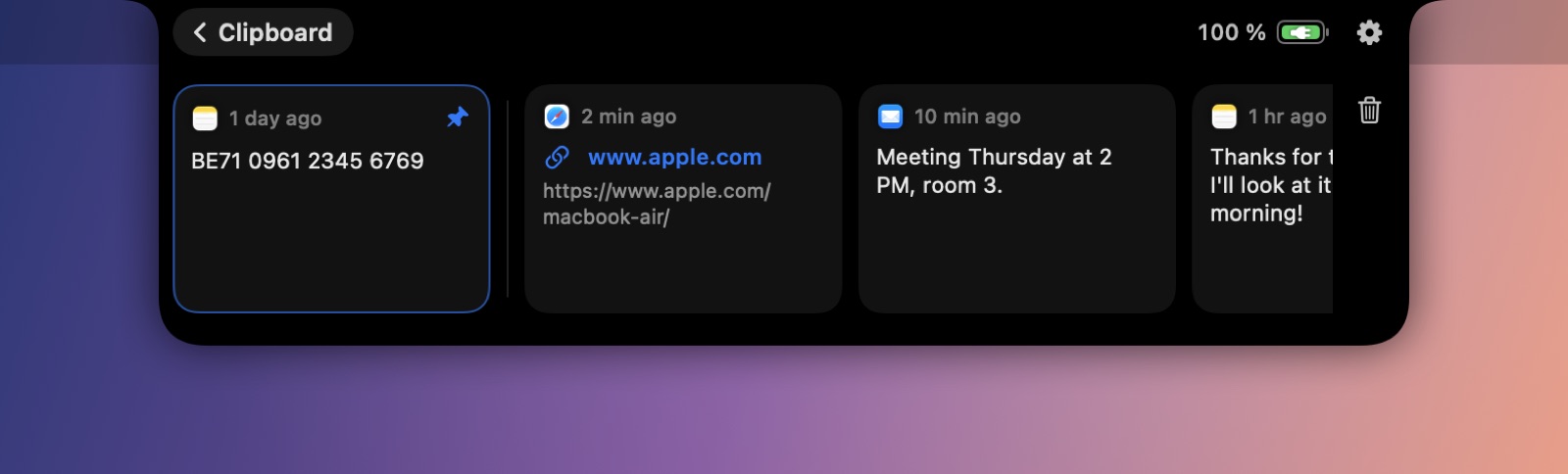
Find what you copied and pin what you use often (bank details, address…). Drop files into the notch to keep them handy or send them with AirDrop.
Artwork and an equalizer while music plays, the timer's remaining time, battery charging, your AirPods connecting: at a glance, without opening anything.


⌥ Space opens the notch, ready to add a task.
The notch shows when your headphones connect.
Charger plugged in and low battery, at a glance.
French, English, Spanish, German.
About 30 MB of memory, 0% CPU when idle.
No account, no tracking. Your data stays on your Mac.
Yes. On displays without a notch, Topo shows a virtual notch at the top of the screen, or an invisible area if you prefer.
macOS 14 Sonoma or later, on Apple silicon or Intel Macs.
Any app that uses macOS Now Playing: Music, Spotify, Deezer, YouTube and videos in Safari or Chrome, Podcasts…
Very little. Topo reacts to system events instead of polling: 0% CPU when idle and about 30 MB of memory.
No. Tasks, clipboard and settings stay on your Mac. Only the approximate coordinates of the chosen place are sent to the weather service, and your license key to the payment service when you activate it.
Right after purchase, you get the download link and your license key by email. Open Topo, paste the key, and you're set.
Write to us within 14 days of purchase and you get a full refund, no questions asked.
One license activates on 2 Macs. You can remove it from a Mac at any time in Settings to use it on another one.
Write to us within 14 days of purchase: we'll refund you, no questions asked.